OAU CBT Exams & Screening 2025/2026 | Safe Exam Browser OAU
The Obafemi Awolowo University (OAU), Ile-Ife has announced that the upcoming 2025/2026 recruitment and admission screening process will be conducted through a Computer-Based Test (CBT) system. This is part of OAU’s commitment to ensuring transparency, fairness, and efficiency in its recruitment and academic admission exercises.
If you applied for OAU recruitment or admission, understanding the CBT screening process is crucial for your success. In this guide, we provide a detailed breakdown of the login process, media setup, mock exams, the Safe Exam Browser (SEB), and practical tips to help you perform well. For reliable updates and candidate support, always follow RecruitmentGurus.com.ng.
Why OAU Uses CBT Exams for Screening
Computer-Based Tests (CBT) are now the standard for many Nigerian universities, including OAU, because:
- They reduce exam malpractice through strict monitoring.
- They allow real-time scoring and faster processing of results.
- They ensure every candidate faces the same questions under the same timed conditions.
- They make use of modern technology to ensure transparency and credibility.
By introducing CBT into its screening process, OAU ensures that candidates are assessed fairly based on merit.
OAU CBT Exam Portal Login
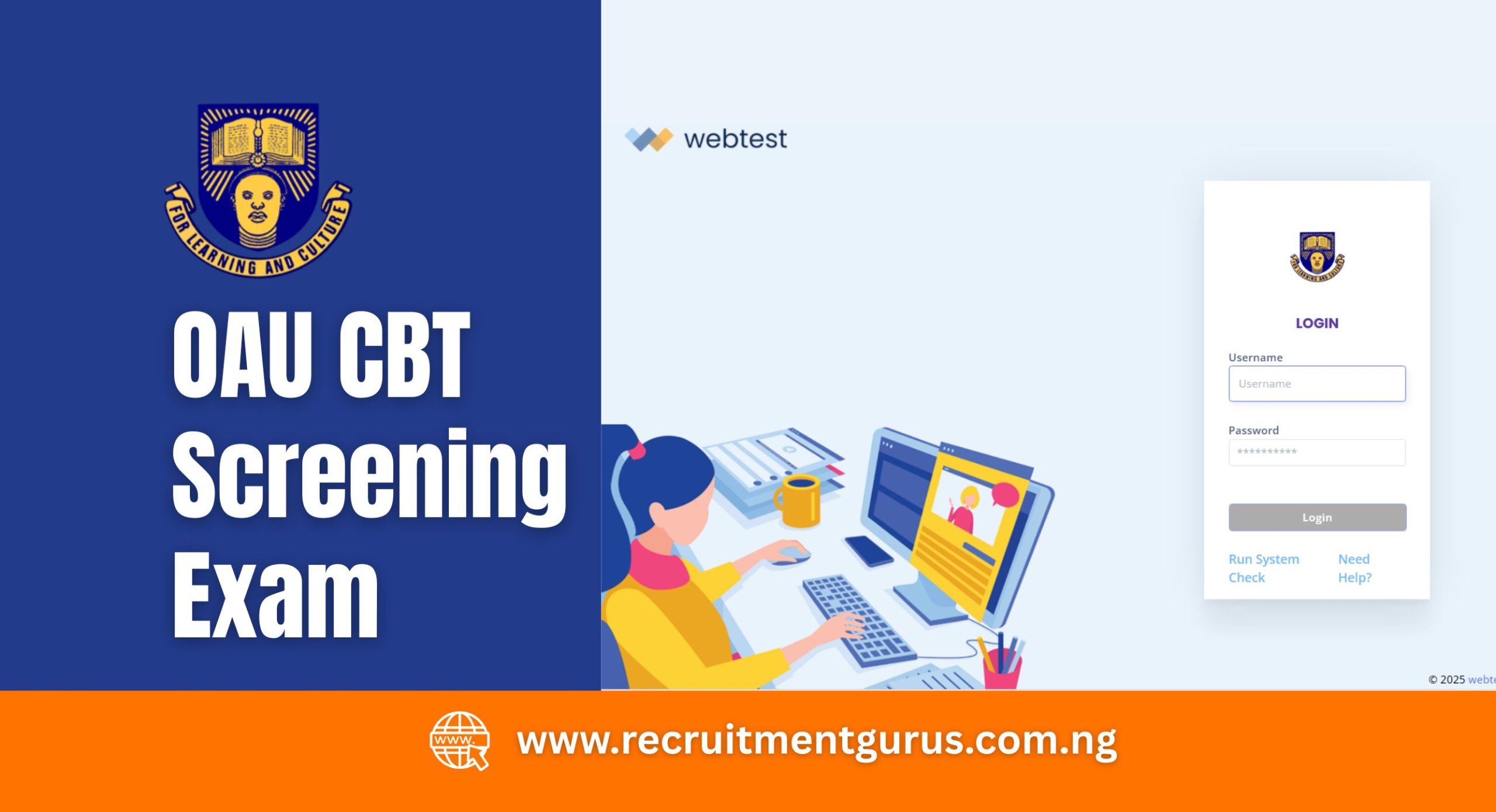
To take your CBT exam, you must log into the official portal: oauife.webtest.ng.
- Username: The email address you used during application.
- Password: Your Application Reference Number.
Make sure these details are correct and accessible before the exam date. Losing them may prevent you from accessing the test.
Media Permissions Setup
The OAU CBT screening exam requires live monitoring. For this reason, you must enable access to your:
- Microphone
- Speaker/Audio
- Camera
How to do this:
- On your browser, click the padlock icon beside the website link.
- Enable camera, microphone, and audio permissions.
- Without these permissions, you will not be allowed to proceed, and this may lead to disqualification.
Exam Setup: Step-by-Step
Once you log in, a Media Test will automatically begin. This ensures your computer is correctly set up for the exam.
Camera Test
- A live video feed will display.
- Adjust your webcam until your face fits within the circle.
- Ensure your face is clear and well-lit.
Microphone Test
- Click “Test Microphone”.
- Speak for about 5 seconds and confirm that you can hear your voice clearly.
Audio Test
- Click “Test Audio”.
- A beep sound will play, ensure you can hear it clearly.
Once all three tests are successful, your exam dashboard will appear, showing your exam schedule.
Also Read:
- Federal Civil Service CBT Exam Questions
- Plateau State SUBEB CBT Examination
- Nigeria Customs CBT Exam Questions
- Nigeria Customs CBT and Screening Test
Mock Exam
Before the main exam, OAU requires candidates to take a Mock Exam.
- Both Mock and Main Exam schedules will display on your dashboard.
- Click “Take Exam” on the mock schedule.
- You will be redirected to the Exam Platform Usage Instructions page.
- Carefully read the guidelines and watch the tutorial video provided.
The mock exam helps you familiarise yourself with the exam platform, test your internet connection, and ensure your system works with the Safe Exam Browser (SEB).
Safe Exam Browser (SEB)
The OAU CBT screening will only run on a specific version of Safe Exam Browser (SEB).
- Download SEB by clicking “Click here to download SEB (v103.9.0.1)” on the portal.
- Install the software correctly on your system.
- Return to the platform and recheck your system settings.
Only the provided version will work. Using another version may prevent you from accessing the exam.
Starting Your Exam
When your main exam schedule begins:
- Click “Click here to take your exam”.
- This will automatically launch the installed Safe Exam Browser.
- If the link doesn’t open, scroll to the bottom of the page and download the SEB exam file.
- Double-click the file to open it in the Safe Exam Browser.
- Run another Media Test to confirm your camera, microphone, and audio are working.
- Once verified, your exam will start.
Important Tips for OAU CBT Exams
- Stable Internet Connection: Use a reliable internet provider. If possible, have backup data.
- Quiet Environment: Sit in a noise-free, well-lit room to avoid distractions.
- System Preparedness: Charge your laptop or desktop, and avoid using mobile phones unless explicitly allowed.
- Mock Exam Practice: Treat the mock exam as seriously as the real one—it prepares you for the final test.
- Compliance: Do not attempt to cheat. The camera and microphone will monitor you throughout.
What Happens After the CBT Exam?
After completing your exam:
- Your responses will be submitted automatically.
- The OAU recruitment team will review results.
- Shortlisted candidates for the next stage (interview or documentation) will be published on the official OAU portal and on RecruitmentGurus.com.ng.
Frequently Asked Questions (FAQs)
- What is the OAU CBT exam portal?
The official exam portal is oauife.webtest.ng. - What login details do I need?
You need your email (username)and application reference number (password). - Can I use any Safe Exam Browser version?
No. Only the version provided on the exam portal (v103.9.0.1) will work. - Will there be a mock exam?
Yes. All candidates are strongly advised to take the mock exam before the main test. - How will I know if I passed?
Successful candidates will be notified via the official OAU portal and RecruitmentGurus.com.ng.
Final Thoughts
The OAU CBT Screening Exam 2025/2026 is a key stage in both recruitment and admission exercises. To succeed, candidates must properly set up their devices, download the approved Safe Exam Browser, complete the mock test, and follow all instructions carefully.
For the latest updates on the shortlist, interview dates, and final selection, keep visiting RecruitmentGurus.com.ng; your trusted guide for recruitment opportunities and exam support in Nigeria.